
Screen recording
Record the full screen, a region or an app window with sound. Up to 1080p · 60fps.
WinGent brings screen recording, video editing and automatic posting to multiple SNS together in one promotion assistant. Download it for free and start right away.
🪙 1,000 free Silver Coins when you sign up
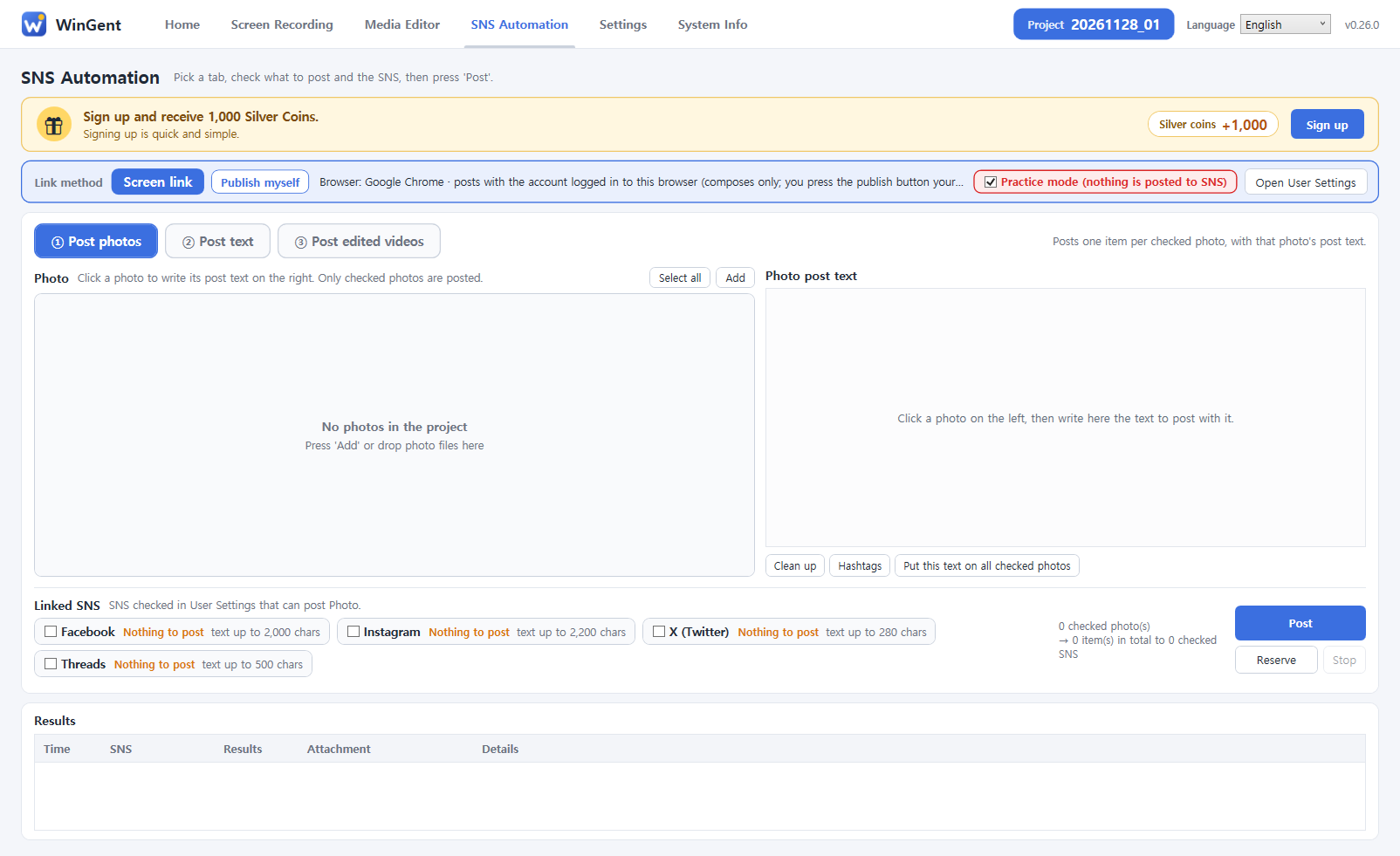
Everything promotion needs, one screen at a time.
Record the full screen, a region or an app window with sound. Up to 1080p · 60fps.
Split and join clips on the timeline, add captions, music, dubbing, filters, color correction and speed, then export in Shorts size. Portrait phone videos work as they are.
Prepare text, photos and videos for Facebook · Instagram · X · Threads · TikTok · YouTube at once. The default is manual publish — you check the content and click the publish button yourself.
Set a time and WinGent waits in the tray and posts for you. Multiple posts are spaced apart.
Your SNS accounts are the ones already signed in to your browser. IDs, passwords and posts are not sent to the server, and what is sent is explained on first run and needs your consent.
Switch the display language and display mode at any time. Use practice mode to check before you post.
Simple, familiar Windows screens.
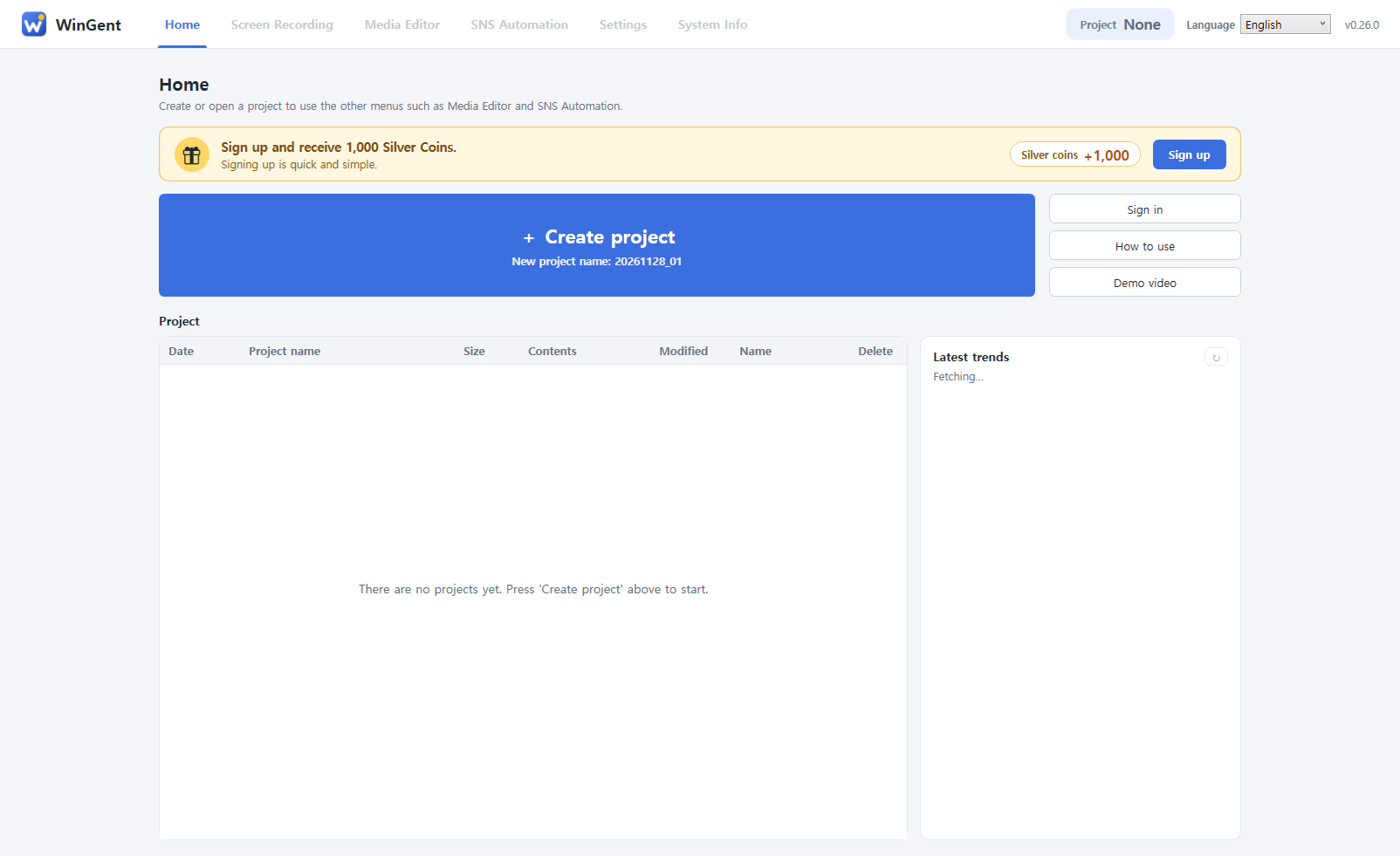
Download and run the installer (WinGent-Setup). It is added to the Start menu and you do not need to install .NET separately. No sign-up needed.
Click "Create project" on Home, then record or import a video and edit it.
Choose the SNS to post to and press "Publish". Each successful post uses 10 Silver Coins.
Sign up in the app and receive 1000 Silver Coins. Only a successful SNS post uses coins (10 per post); recording, editing and practice mode are free. Buy more whenever you need them.
See pricing